 Fluxto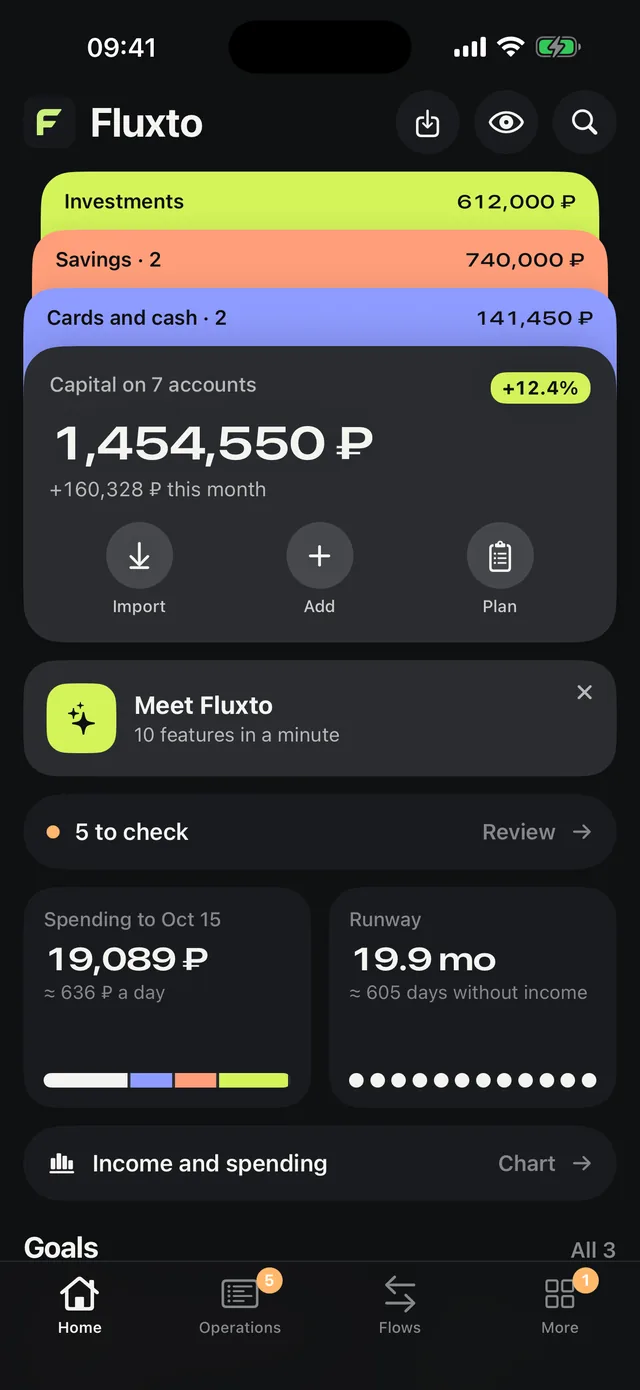
Hard Truth
One tap recounts your net worth without what you cannot spend today: deposits, brokerage, things.
Drop in your bank PDF statements. Fluxto finds the accounts, sorts the spending and shows your net worth. Everything is read on the phone.
No bank logins and no typing receipts. Just the PDF your bank already gives you in its app.
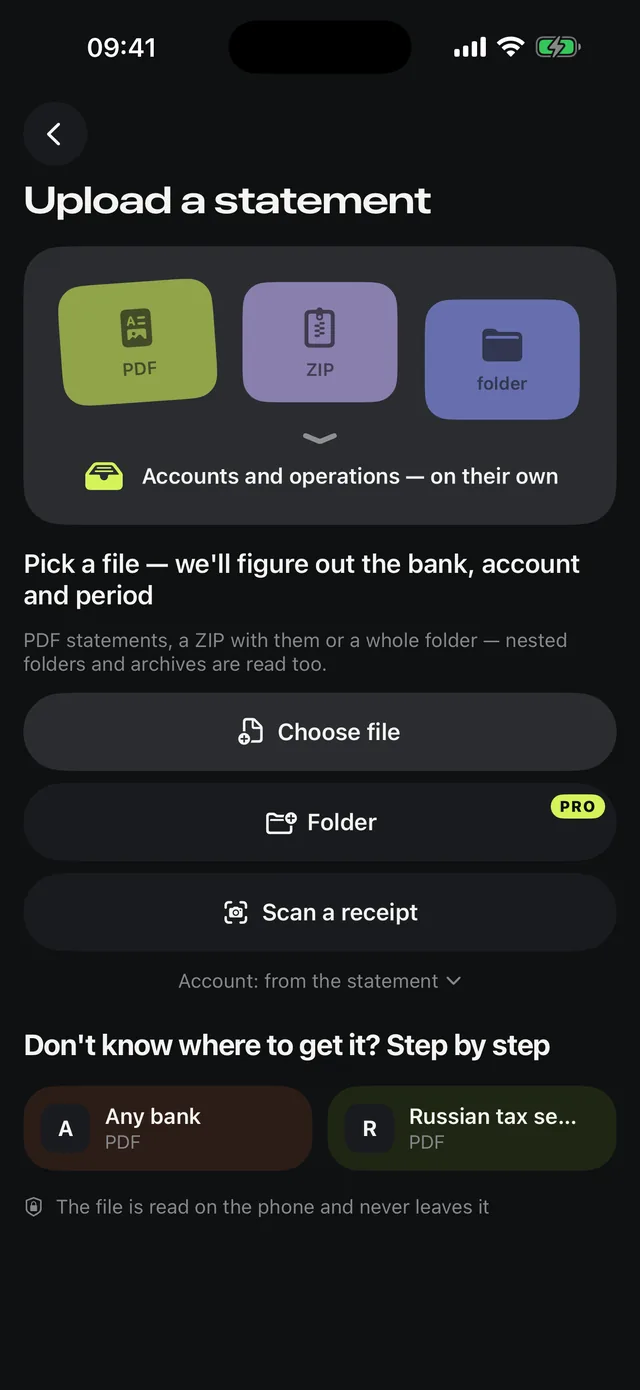
Fluxto works out the bank, the account and the period on its own, and checks the balance against the one printed on the statement.
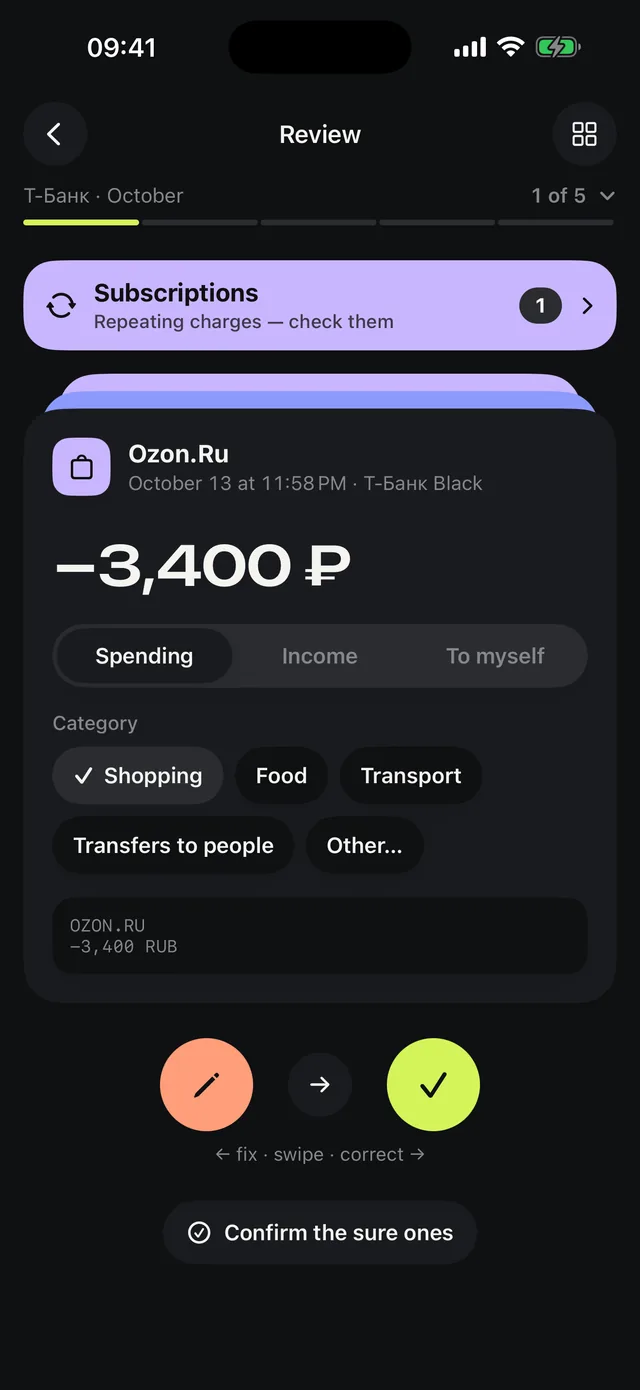
New operations wait for a check. Right if it is right, left for another category. Fluxto remembers, so each next statement needs less attention.
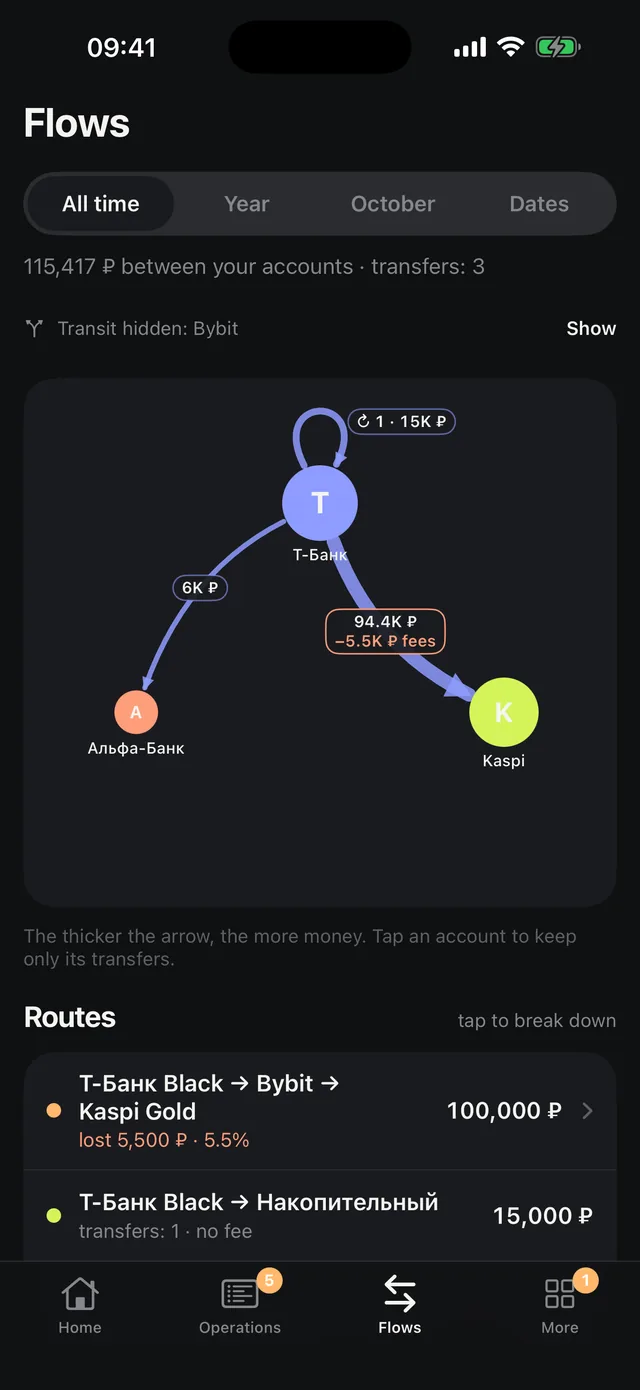
A map of transfers between accounts and countries: how much went, what the fees took and what the exchange rate ate.
One tap recounts your net worth without what you cannot spend today: deposits, brokerage, things.
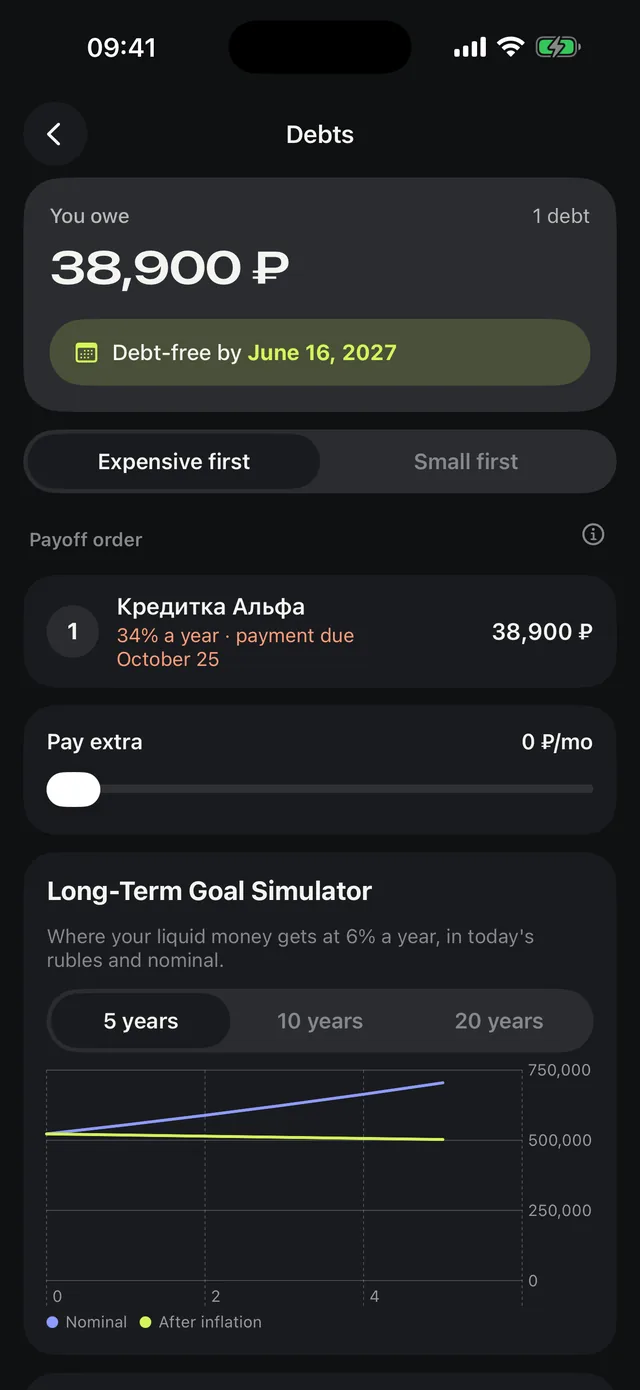
A payoff order based on your loans’ own rates, and the date you are debt-free.
What is free this month and whether you will make it in time.
Each one’s price per month and per year. Cancelled — switch it off.
Spending by category and month, your largest purchase.
The PDF is parsed on the device. Fluxto has no accounts and no servers holding user data — there is nowhere to send it.
The free plan holds a few months of history. Pro is for when you want years.
The directory lists more than a hundred banks in Russia, Kazakhstan, Uzbekistan, Belarus and Georgia. Statement tables are read by what their columns mean, so an unfamiliar bank usually works too. If not, tell support.
No. Fluxto only works with statement files you download from your bank’s app yourself.
Make a backup in Settings and open it on the new iPhone. A backup is made only when you ask.
iPhone Settings → Apple ID → Subscriptions → Fluxto. Your data stays on the phone.